

Start with your computer
There are two ways to change what your MinimalPad does. Pick the one for the computer on your desk. The pad is the same either way, and what you set works everywhere.MinimalPad Studio for Mac
A native macOS app. Everything the browser can do, plus app profiles: the pad changes its keys and light colour to match the app you’re working in, with several layers for one app if you want them. Keys can open apps and links, and you set the dial and the lights from the app, down to a colour for each key.
MinimalPad Studio for browser
Runs in Chrome or Edge on Windows, Linux and macOS. Nothing to install. Change keys, layers, lighting keys and Bluetooth keys from a tab.
Not sure which to use?
Compare the two side by side.
New here?
Set up your pad
What you need, connecting, and your first key. A USB-C data cable is required and not included.
Assemble your kit
Bought the DIY kit? Solder it together, then install the firmware and test it.
Lights
Change the colour, brightness and effect.
Fix a problem
Connecting, Bluetooth, saving and updates.
What is MinimalPad?
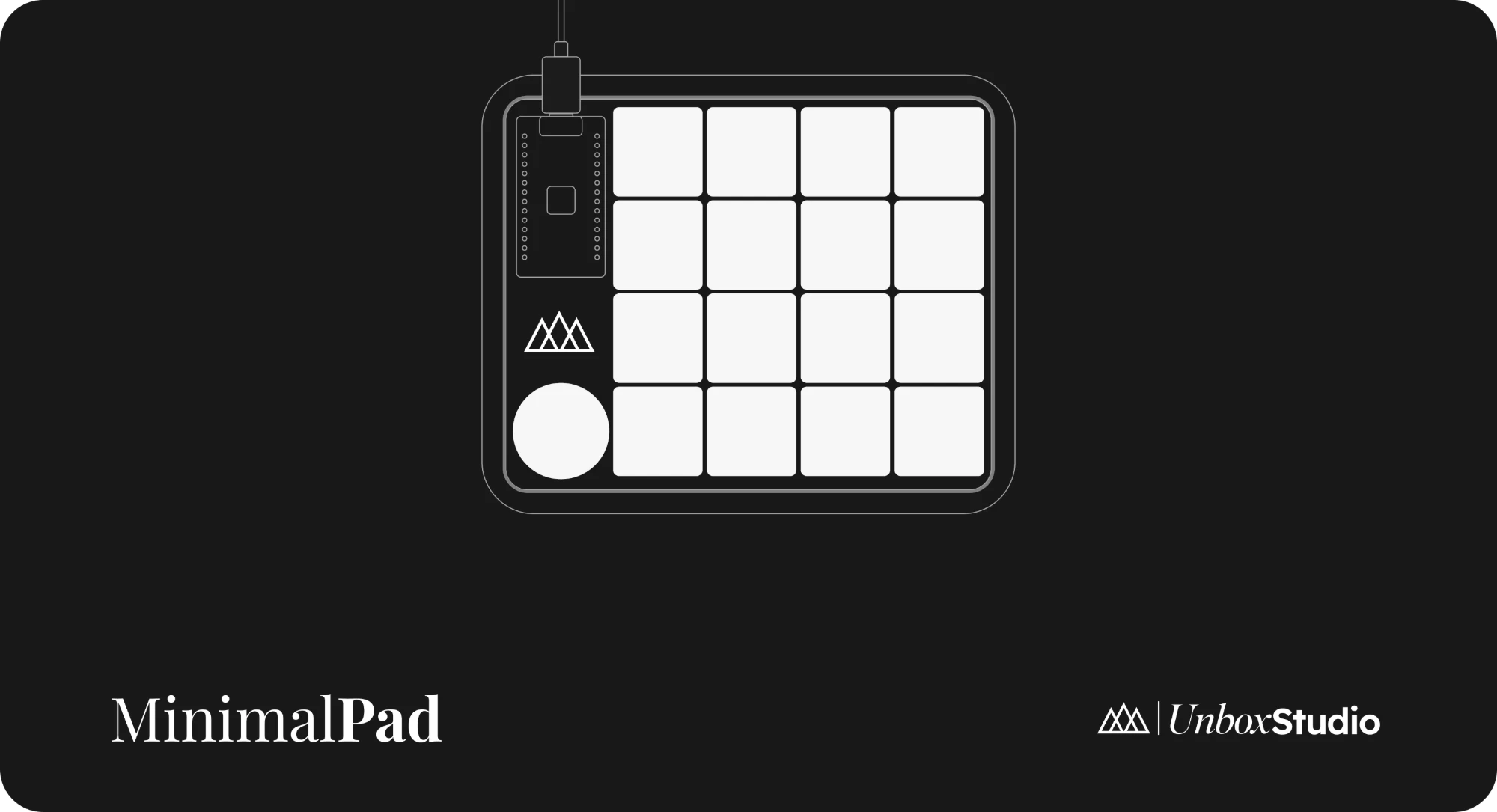
MinimalPad gives you 16 hot-swappable low-profile mechanical keys in a 4×4 grid, a dial you can turn and press, and lights underneath, in a compact pad that sits beside your keyboard.16 keys
Every key does what you choose, on every layer.
A dial
Turn it either way, or press it like a key.
USB & Bluetooth
Use it with a cable, or wirelessly with up to five computers.
Lights
16 lights underneath, with colour, brightness and effects.
Hot-swap switches
Swap Kailh Choc switches without a soldering iron.
Open-source firmware
Built on ZMK. Studio for Mac installs updates for you.
Go further
Buy MinimalPad
Current configurations, pricing and availability.
Firmware on GitHub
The latest firmware and what changed in each version.